2026 Editorial Verdict
Is AT&T Internet Worth It in 2026?
Overall Rating
The Bottom Line: If AT&T Fiber is available at your address, it is one of the top two residential internet services in the United States. You receive 100% symmetrical upload/download speeds, zero data caps, included Wi-Fi 6 equipment (BGW320 Gateway), and no annual contracts starting at $55/mo. If fiber is unavailable, AT&T Internet Air (5G) offers a respectable backup at $60/mo, while legacy AT&T Basic DSL should be avoided if cable or 5G alternatives exist.
✔ Key Strengths
- Equal upload & download speeds up to 5,000 Mbps
- No data caps, equipment fees, or annual contracts
- Ultra-low latency (3–8ms) ideal for gaming and WFH
✖ Considerations
- Fiber footprint covers ~40% of AT&T's total territory
- DSL coverage is slow (under 25 Mbps) and being phased out
- Internet Air speeds fluctuate based on 5G cell tower load
AT&T is the largest telecommunications company in the world by revenue, operating a massive, complex web of infrastructure across the United States.
Because of its immense size, researching AT&T Internet can be incredibly confusing. If you read online reviews, you will see a bizarre mix of extreme frustration and absolute praise. Why is there such a massive divide in customer satisfaction?
The answer is simple: "AT&T Internet" is not just one product.
Depending on your exact street address, AT&T delivers internet through three completely different technological networks. If you are offered their legacy DSL network, the service is notoriously slow. However, if your home qualifies for AT&T Fiber, you are gaining access to arguably the best internet connection available in North America today.
Here is the complete Compare Internet Hub engineering breakdown of AT&T’s three different internet networks for 2026, and how to know exactly which one you are buying.
Instant Address Qualification
Are You Eligible for AT&T Pure Fiber or Internet Air?
AT&T's network delivers 3 distinct tiers depending on your exact street address: 100% Fiber (up to 5 Gig), Internet Air (5G Fixed Wireless), or Copper DSL. Call to run an instant real-time facilities check.
Toll-free • Live authorized agent check • No obligation quote
1. The Gold Standard: AT&T Fiber
If you type your address into the AT&T website and you are offered speeds of 300 Mbps, 500 Mbps, 1 Gig, 2 Gig, or 5 Gig—congratulations. You live in an AT&T Fiber zone.
AT&T has spent billions deploying an incredibly advanced XGS-PON (10-Gigabit-capable Symmetric Passive Optical Network) infrastructure. Instead of using aging copper wires, AT&T runs a pure glass fiber-optic cable directly into your home.
Symmetrical Speeds and Zero Data Caps
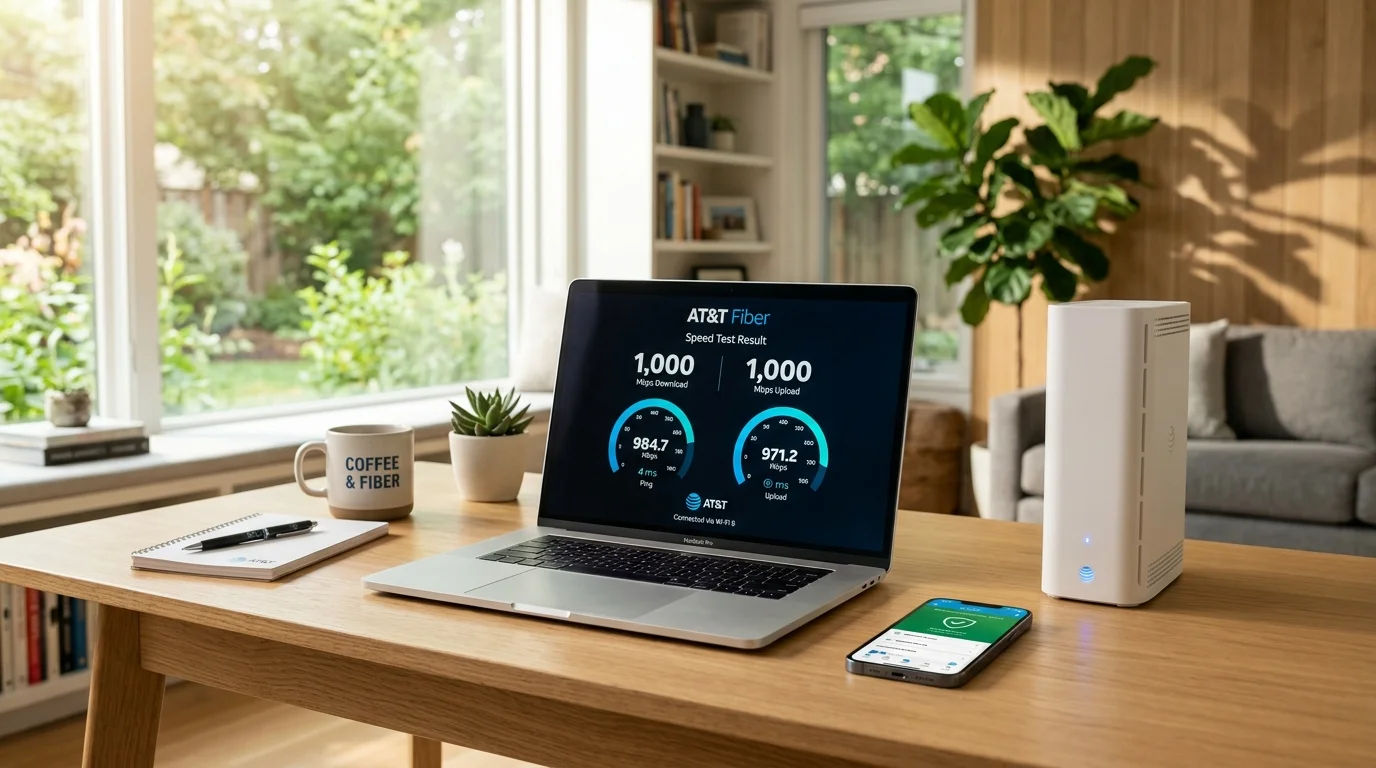
The most massive advantage of AT&T Fiber is its symmetrical speeds. Traditional cable companies (like Xfinity or Spectrum) heavily throttle your upload speeds. AT&T Fiber does not. If you purchase the 1 Gigabit tier, you will receive 1,000 Mbps of download speed and 1,000 Mbps of upload speed.
For remote workers uploading large files to corporate servers, content creators, and competitive gamers, this symmetrical connection is a mandatory requirement. Furthermore, AT&T Fiber plans include unlimited data. There are zero data caps and zero overage fees.
Official 2026 AT&T Fiber Speed Tiers & Monthly Pricing
With AutoPay & Paperless Bill
| Plan Tier | Download / Upload | Data / Hardware | Monthly Price | Order Hotline |
|---|---|---|---|---|
| AT&T Fiber 300 Best Value Starter |
300 / 300 Mbps | Unlimited Data • Wi-Fi 6 Router Included | $55.00/mo | Call to Order |
| AT&T Fiber 500 High-Demand Homes |
500 / 500 Mbps | Unlimited Data • Wi-Fi 6 Router Included | $65.00/mo | Call to Order |
| AT&T Fiber 1 Gig ⭐ Most Popular Choice |
1000 / 1000 Mbps | Unlimited Data • BGW320 Wi-Fi 6 Gateway | $80.00/mo | Check Availability |
| AT&T Fiber 2 Gig Creators & Power Users |
2000 / 2000 Mbps | Unlimited Data • Wi-Fi 6 Included | $145.00/mo | Call to Order |
| AT&T Fiber 5 Gig Maximum Bandwidth |
5000 / 5000 Mbps | Unlimited Data • Extreme Multi-Gig Optical Port | $245.00/mo | Call to Order |
*Prices reflect $10/mo discount with AutoPay and Paperless billing. Plus taxes and fees. Speeds based on wired connection. Equipment, router, and ActiveArmor basic security included with all fiber tiers.
2. The Wireless Pivot: AT&T Internet Air
What happens if you do not live in an AT&T Fiber zone? Over the last two years, AT&T began rolling out its newest product: AT&T Internet Air.
Internet Air is a Fixed Wireless Access (FWA) service. Instead of digging a trench to run a cable to your house, AT&T mails you a sleek, wireless hub. You plug it into a wall outlet, and it pulls a high-speed internet signal directly from AT&T's 5G cell towers.
Is Internet Air Worth It?
If your only other option is a slow cable connection or expensive satellite internet, AT&T Internet Air is a massive upgrade. It is incredibly easy to set up ("Plug and Play") and typically costs around $55 a month. While it will not offer the single-digit latency of pure fiber, it is more than capable of handling 4K streaming and daily work-from-home tasks for a standard family.
3. The Legacy Problem: AT&T Basic (DSL)
If you type in your address and AT&T only offers you speeds between 10 Mbps and 50 Mbps, you are being offered AT&T Basic (Legacy DSL).
This internet is delivered over aging copper telephone lines. The further your house is from the central routing hub, the slower your internet becomes. The signal is easily degraded by weather, old wiring, and peak-hour neighborhood congestion.
We strongly advise against purchasing AT&T DSL in 2026 unless it is literally the only option available in your deep-rural area. If you are offered AT&T DSL, you should immediately check if AT&T Internet Air or a local cable provider is available instead.
AT&T Network Comparison: Fiber vs. Internet Air 5G vs. Copper DSL
| Feature | AT&T Fiber (FTTH) | AT&T Internet Air (5G) | AT&T Basic (Copper DSL) |
|---|---|---|---|
| Network Type | 100% Pure Optical Fiber | Fixed Wireless 5G Mid-Band | Legacy Twisted-Pair Copper |
| Download Speeds | 300 Mbps – 5,000 Mbps | 75 Mbps – 225 Mbps | 0.75 Mbps – 25 Mbps |
| Upload Speeds | 300 Mbps – 5,000 Mbps (Symmetrical) | 10 Mbps – 30 Mbps (Asymmetrical) | 0.5 Mbps – 2 Mbps |
| Typical Latency | 3ms – 8ms (Elite Gaming) | 25ms – 45ms (Moderate) | 50ms – 120ms (High Lag) |
| Data Caps | None (Unlimited) | None (Unlimited) | 1.5 TB Cap or 150 GB (Legacy) |
| Starting Price | $55.00/mo | $60.00/mo ($35 w/ AT&T Wireless) | $55.00/mo – $65.00/mo |
| Our Recommendation | 🥇 Best Overall (Must Buy) | 🥈 Solid If Fiber Unavailable | ❌ Switch Away Immediately |
4. The Hardware: BGW320 Gateway & ActiveArmor
If you qualify for AT&T Fiber, you will be provided with the BGW320 Wi-Fi Gateway.
This is an exceptional piece of hardware. Unlike older setups that required a separate Optical Network Terminal (ONT) bolted to the outside of your house, the BGW320 has the ONT built directly into the router. It natively supports Wi-Fi 6, providing massive wireless bandwidth to dozens of devices simultaneously.
AT&T ActiveArmor and Smart Home Manager
AT&T separates itself from the competition through its software. The AT&T Smart Home Manager app is widely considered the best ISP app on the market. It allows you to easily pause Wi-Fi to specific devices (great for parents), create guest networks, and monitor data usage.
More importantly, it includes AT&T ActiveArmor security for free. This is enterprise-grade network security running directly on your router. It actively blocks malicious websites, prevents DDoS attacks, and stops hackers from accessing vulnerable smart home devices (like cheap Wi-Fi cameras or thermostats).
Final Verdict: Should You Switch to AT&T?
You Should Choose AT&T If:
- Your specific address qualifies for AT&T Fiber (300 Mbps or higher). It is simply the best, most stable network in the country.
- You qualify for AT&T Internet Air and want an easy, plug-and-play solution to escape your local cable monopoly.
You Should Look Elsewhere If:
- Your address only qualifies for legacy AT&T DSL (speeds under 50 Mbps), and you have access to a provider like Spectrum or Xfinity instead.
Frequently Asked Questions About AT&T Internet