To contact DIRECTV customer service by phone, call 1-800-531-5000 for residential satellite and DIRECTV via Internet support. General customer care, billing inquiries, and account updates operate daily from 8:00 AM to 10:00 PM ET. Technical support and line troubleshooting are available 24/7, 365 days a year. Commercial enterprise and sports bar clients can reach business support at 1-888-388-4249. Customers can also bypass phone queues by launching authenticated live chat directly at https://directv.com/support or managing equipment signals via the MyDIRECTV App.
Dealing with automated voice menus, satellite alignment errors, or surprise bill increases requires getting routed directly to the right department. Calling the specific departmental line prevents unnecessary hold times and avoids transfers between residential billing and enterprise or technical dispatch specialists.
Below is an itemized directory of verified DIRECTV contact numbers, operating schedules, interactive digital support tools, and step-by-step guidance for service moves, error code troubleshooting, and account cancellations.
⚡ DIRECTV Support Directory at a Glance
- New Orders & Upgrades: Call (844) 578-3067 (Daily 8 AM – Midnight ET)
- Residential Customer Care: Call 1-800-531-5000 (Daily 8 AM – 10 PM ET)
- 24/7 Technical Support: Call 1-800-531-5000 (Say "Tech Support")
- Commercial & Sports Bars: Call 1-888-388-4249 (Mon–Fri 8 AM – 10 PM ET)
- Instant Signal Refresh: Visit directv.com/refresh (Fixes 721/722 errors in ~5 mins)
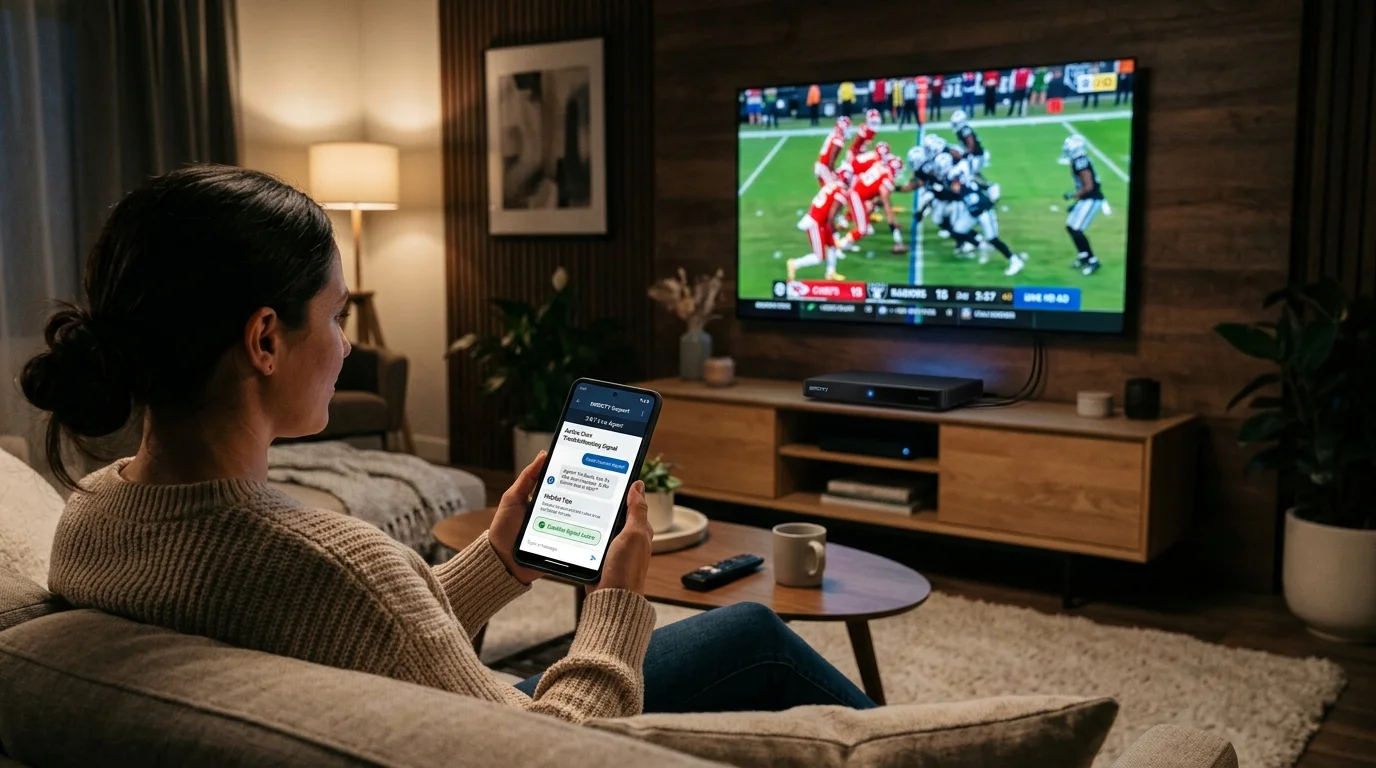
Verified DIRECTV Customer Service Phone Numbers (2026)
Click any phone number below to connect directly with the specific departmental queue.
| Department / Support Channel | Direct Phone Number | Operating Hours (ET) | Primary Function | One-Tap Dial |
|---|---|---|---|---|
| ⭐ New Sales & Package Upgrades | (844) 578-3067 | Daily: 8:00 AM – 12:00 AM ET | Package options, Gemini receiver deals, promotions | Call (844) 578-3067 |
| Residential Customer Care & Billing | 1-800-531-5000 | Daily: 8:00 AM – 10:00 PM ET | Plan changes, monthly billing, moving, account updates | Call 1-800 |
| Technical Support (Satellite & Stream) | 1-800-531-5000 | 24/7 / 365 Days | Dish realignment, Error 771/775, receiver reboots | Call 24/7 Tech |
| DIRECTV for Business Support | 1-888-388-4249 | Mon–Fri: 8:00 AM – 10:00 PM ET | Commercial sports licensing, private office TV, FCO setup | Call Business |
| Spanish Support (Español) | 1-800-378-2747 | Daily: 8:00 AM – 10:00 PM ET | Servicio al cliente, facturación y soporte técnico | Llamar |
1. How to Bypass Automated Voice Menus to Reach a Live Agent
To bypass the Interactive Voice Response (IVR) phone system and connect with a human representative:
- Dial 1-800-531-5000.
- When prompted, state or enter the phone number or account number tied to your subscription. (If calling from an unlinked phone, remain silent or press # to bypass).
- When the automated voice asks what you are calling about, say "Billing" or "Technical Support".
- When the system offers to send a self-help link via SMS, respond clearly with "No".
- Say "Agent" or press 0 repeatedly until the system queues your call for the next available representative.
2. Digital Support: Live Chat, MyDIRECTV App & Self-Service Tools
If phone queues are long during nationwide sporting events or severe weather, DIRECTV offers fast self-service online:
- Authenticated Live Chat: Navigate to https://directv.com/support. Click the blue chat bubble in the lower-right corner. Type "Live Agent" into the virtual assistant prompt to immediately route to a human support technician.
- MyDIRECTV Mobile App: Available on iOS and Android. Use the app to make payments, refresh receiver authorizations, order pay-per-view events, or track scheduled technician arrival windows on a live map.
- Online Receiver Signal Refresh: If your screen displays channel authorization errors (such as Error 721 or 722), log into https://directv.com/refresh. Select your box location and trigger an over-the-air signal refresh to reset channel decryption keys in under 5 minutes without calling support.
3. Quick Fixes for Common DIRECTV Error Codes
Before calling technical support, many receiver issues can be resolved with basic hardware checks:
| Error Code | Meaning | Immediate Fix |
| Error 771 | Signal Loss to Satellite Dish | Check coaxial cable connections to the dish; clear heavy snow, leaves, or debris from the reflector. Wait out passing severe storms (rain fade). |
| Error 775 | Receiver Cannot Communicate with SWM | The Swim (Single Wire Multiswitch) power inserter lost electricity. Confirm the small black or gray SWM power box is plugged in and has a solid green light. |
| Error 721 / 722 | Channel Not Authorized / Service Suspended | The receiver missed its refresh signal or the channel is not in your package. Run an automated signal refresh at https://directv.com/refresh |
| Error 611 / 612 / 613 | Genie Client Lost Connection to Server | Your secondary Genie Mini cannot detect the main Genie DVR. Reboot the main Genie server first, wait 5 minutes, then reboot the secondary box. |
4. How to Pay Your DIRECTV Bill
AutoPay (Paperless Billing): Set up recurring card or checking account debits via directv.com to prevent late payment penalties and secure standard account bill credits.
One-Time Express Online Payment: Visit https://directv.com/quickpay. Enter your account number and billing zip code to process a quick debit or credit card transaction with no login required.
Pay by Automated Phone (IVR): Call 1-800-531-5000 and state "Make a payment." (Using automated voice menus is free, while having a live representative manually process a standard payment may incur a $5.00 agent assistance fee).
Pay by Mail: Mail a check or money order (with your account number written on the memo line) to:
DIRECTV
P.O. Box 5007
Carol Stream, IL 60197-5007
5. Moving or Canceling DIRECTV Service
1
Check Contract Status & ETF Liability:
Standard 24-month satellite agreements assess an Early Termination Fee of $20/month for each remaining month.
2
Call the Retention Line:
Dial 1-800-531-5000 and clearly state "Cancel Service" to bypass general billing and speak with retention.
3
Obtain Official Confirmation Number:
Always request and record your work order cancellation number before hanging up.
4
Return Leased Genie Receivers within 21 Days:
Drop off unboxed receivers at any The UPS Store or FedEx Office with your account number. Keep the drop-off receipt to avoid unreturned equipment fees ($45–$135/unit).
- DIRECTV Movers Program: Moving homes? Call 1-855-389-6837 at least 2 weeks in advance. DIRECTV will install a new dish at your new residence and hook up your receivers for free (subject to moving qualification rules and contract status).
- Canceling Service: Cancellations must be completed over the phone. Call 1-800-531-5000 and say "Cancel Service" to connect directly with the customer retention department.
- Early Termination Fees (ETFs): Standard satellite packages require a 24-month contract. If canceled early, DIRECTV assesses an ETF of $20.00 for each month remaining on the agreement.
- Returning Leased Hardware: Return all leased Genie DVRs, Genie Minis, and power adapters within 21 days of disconnection. Drop off unboxed hardware at an authorized The UPS Store or FedEx Office location with your account number. Always obtain and save the physical drop-off receipt with tracking numbers to avoid unreturned hardware charges of $45.00 to $135.00+ per unit.
Frequently Asked Questions (FAQ)
What is DIRECTV's official toll-free customer service phone number?
The primary nationwide customer service and technical support phone number for residential DIRECTV is 1-800-531-5000.
Is DIRECTV customer support available 24 hours a day?
Yes, for technical support. Automated troubleshooting and live technical repair specialists are reachable 24/7/365. General customer care, billing support, and plan modifications operate daily from 8:00 AM to 10:00 PM Eastern Time.
How do I speak directly to a live person at DIRECTV?
Call 1-800-531-5000, ignore the automated link offer via text message, state "Billing" or "Technical Support," and then clearly say "Representative" or press 0 to be placed into the live agent queue.