Managing your Cox Communications account in 2026 is simpler than ever, with multiple digital and physical payment avenues designed to fit any schedule. Whether you prefer the convenience of Cox Easy Pay automation or need to make an urgent one-time payment without logging in, this guide covers every verified method.
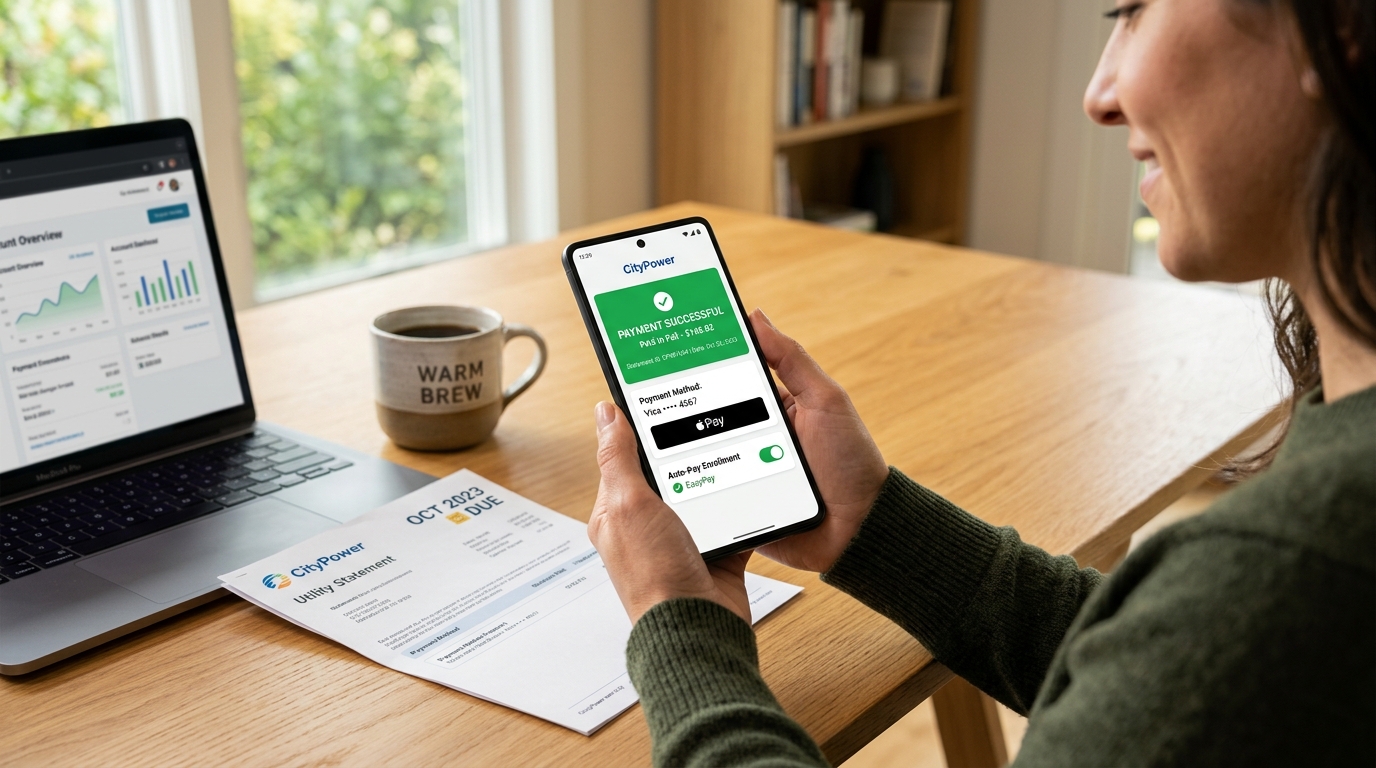
5 ways to pay your Cox bill
1. The Cox Mobile App & Easy Pay (Most Recommended)
The Cox App (available on iOS and Android) is the most efficient way to manage your balance. In 2026, the app features a "One-Tap" payment system and integration with Apple Pay and Google Pay.
-
How to pay: Log in, tap the Billing icon, and select Make a Payment.
-
Easy Pay: We highly recommend enabling Easy Pay, Cox's automated recurring payment system. This ensures your bill is paid on time every month, helping you avoid late fees and potential service interruptions.
2. One-Time Payment via Cox Online Chat
If you don't want to create an account or are in a rush, Cox’s virtual assistant, Oliver, can process your payment through the official website's chat feature.
-
No Login Required: You need your 10-digit account phone number and your payment details (Credit/Debit card or Bank account).
-
Speed: This is often the fastest digital method for guests or those who have forgotten their login credentials.
3. Pay Your Cox Bill by Phone
For those who prefer a traditional approach, Cox offers an automated phone system and live agent support.
-
Official Number: Call +1-866-867-7644.
-
Billing Hours: While the automated system is available 24/7, live billing representatives are typically available Weekdays, 8 a.m. – 6 p.m. local time.
-
Quick Tip: Have your account number (found at the top of your paper bill) ready to bypass the initial automated prompts.
4. In-Person Payment Locations
Cox provides several ways to pay with cash, check, or card in your local community.
-
Cox Retail Stores: Visit any official Cox Solutions Store. You can find your nearest location using the Cox Store Locator on their website.
-
Third-Party Retailers: In 2026, Cox remains partnered with major retail networks for in-person payments:
-
Walmart: Use the CheckFreePay station located at the MoneyCenter.
-
Western Union: Available at thousands of grocery and convenience stores.
-
MoneyGram: A reliable alternative for cash payments.
-
Fidelity Express: Often found in local pharmacies and independent shops.
-
5. Pay by Mail (Snail Mail)
If you prefer paying by check or money order, you can mail your payment directly to Cox’s processing center. Always include your payment coupon or write your account number on the memo line of your check.
-
Mailing Address (2026 Verified):
-
Cox Communications, Inc.
-
P.O. Box 53249
-
Phoenix, AZ 85072-3249
-
Frequently Asked Questions: Cox Bill Payments
1. How long does it take for Cox to restore service after payment?
In 2026, if your service was disconnected for non-payment, it is typically restored within 30 to 60 minutes after a digital payment (App, Chat, or Phone) is processed. However, if paying via mail or Western Union, it may take 3–5 business days for the payment to clear and service to resume.
2. Is there a fee for paying my Cox bill in person?
Cox Solutions Stores do not charge a fee. However, third-party retailers like Walmart (CheckFreePay) or Western Union may charge a convenience fee ranging from $1.50 to $5.00, depending on the transaction speed.
3. Can I pay my Cox bill with a credit card?
Yes, Cox accepts all major credit cards, including Visa, Mastercard, American Express, and Discover. You can also use electronic funds transfer (EFT) from your checking or savings account.
4. What is the fastest way to pay a past-due Cox bill?
The fastest way to ensure your payment is recorded immediately is through the Cox App or Online Chat. These methods provide instant confirmation and trigger the automated reconnection of services if they were suspended.
Tired of High Monthly Rates?
Is Your Cox Bill Increasing Every Year?
If your promotional rate expired or you are paying expensive data cap overage fees ($10 per 50 GB), you may qualify for 100% fiber internet with zero data caps, no contracts, and free equipment starting at just $30–$45/mo.